 FileMagicHub Team
Compress Images Fast with Online Tools
Learn how to compress images using an image converter online. Improve website speed and performance easily with FileMagicHub’s simple tools.
How to Compress Images for Faster Website Loading
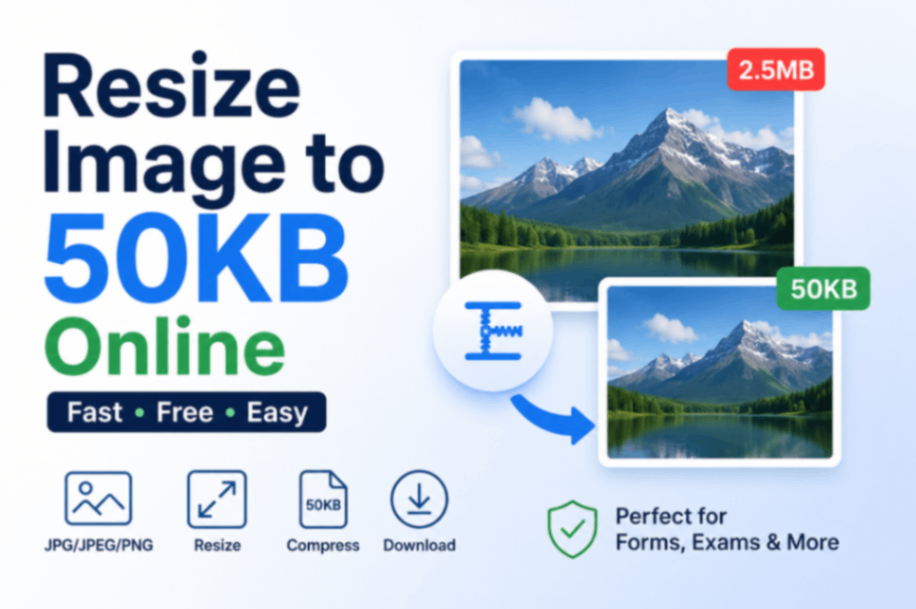
Website speed is essential for user experience and search engines. Large images can slow your website down, which is frustrating to visitors. Compressing images reduces the file size without losing quality, allowing your website to load faster. An online image converter is an easy way to compress images without installing any software.
Why Image Compression Matters
Generating large images will increase load time for your website. Slow websites create higher bounce rates with lower rankings on search engines. When you compress the image, it will reduce the amount of space used while maintaining relatively similar quality. Websites with faster load times create better experiences for users and increased appeal to a search engine.
Types of Image Formats
Images come in different formats like JPEG, PNG, and WebP. Each format has its advantages:
JPEG: Good for photographs, offers high compression with minimal quality loss.
PNG: Best for images with transparency, slightly larger file size.
WebP: A modern format that provides smaller file sizes while keeping quality high.
Using the right format along with compression ensures better website performance.
How Image Compression Works
Image compression reduces the file size by removing unnecessary data from the image. There are two types of compression:
Lossless Compression: Reduces file size without affecting image quality. Best for graphics and logos.
Lossy Compression: Removes some image details to reduce file size. Ideal for photographs where slight quality loss is acceptable.
Online image tools allow you to choose the type of compression depending on your needs.
Benefits of Compressing Images
Compressing images has several benefits for your website:
Faster loading times
Better search engine rankings
Reduced storage space on servers
Improved mobile user experience
Visitors are more likely to stay on a website that loads quickly. Compressing images is a simple step to enhance performance.
How to Compress Images Using an Online Tool
Using an image converter online makes image compression easy. Here’s how you can do it:
Visit an online image converter website like FileMagicHub.
Upload the image you want to compress.
Choose the desired format and compression level.
Click on the “Convert” or “Compress” button.
Download the compressed image and upload it to your website.
This process is quick, safe, and does not require technical knowledge.
Tips for Effective Image Compression
To get the best results when compressing images:
Use the correct image format for your content.
Avoid overly high compression, as it can reduce quality.
Resize images to the exact dimensions needed on your website.
Test the compressed image to ensure it still looks good.
Following these tips helps maintain a balance between file size and image quality.
Tools to Compress Images Online
There are many free and paid tools available online for compressing images. Some popular features include:
Batch compression for multiple images
Format conversion options (JPEG, PNG, WebP)
Adjustable quality settings
Easy download and sharing options
An image converter online like FileMagicHub combines these features, making it easy to optimise your images quickly.
Conclusion
Compressing images is essential for faster website loading and better user experience. Using an image converter online simplifies the process, allowing anyone to reduce image sizes without losing quality. By optimising images, you can improve website speed, enhance mobile performance, and boost search engine rankings.
Ready to make your website faster? Use FileMagicHub’s image converter online to compress images quickly and easily. Optimise your images today and enjoy a smoother browsing experience for your visitors. Visit FileMagicHub and start compressing images instantly!
FileMagicHub Team
Expert team at FileMagicHub, dedicated to providing the best file management tools and productivity tips. We help millions of users streamline their digital workflows.